AI Infographic Maker
How Do I Make an Infographic Without Design Skills?
You don't need design skills to make a good infographic. Here's the simple approach — plus the AI shortcut that does the layout for you.
Published August 11, 2026
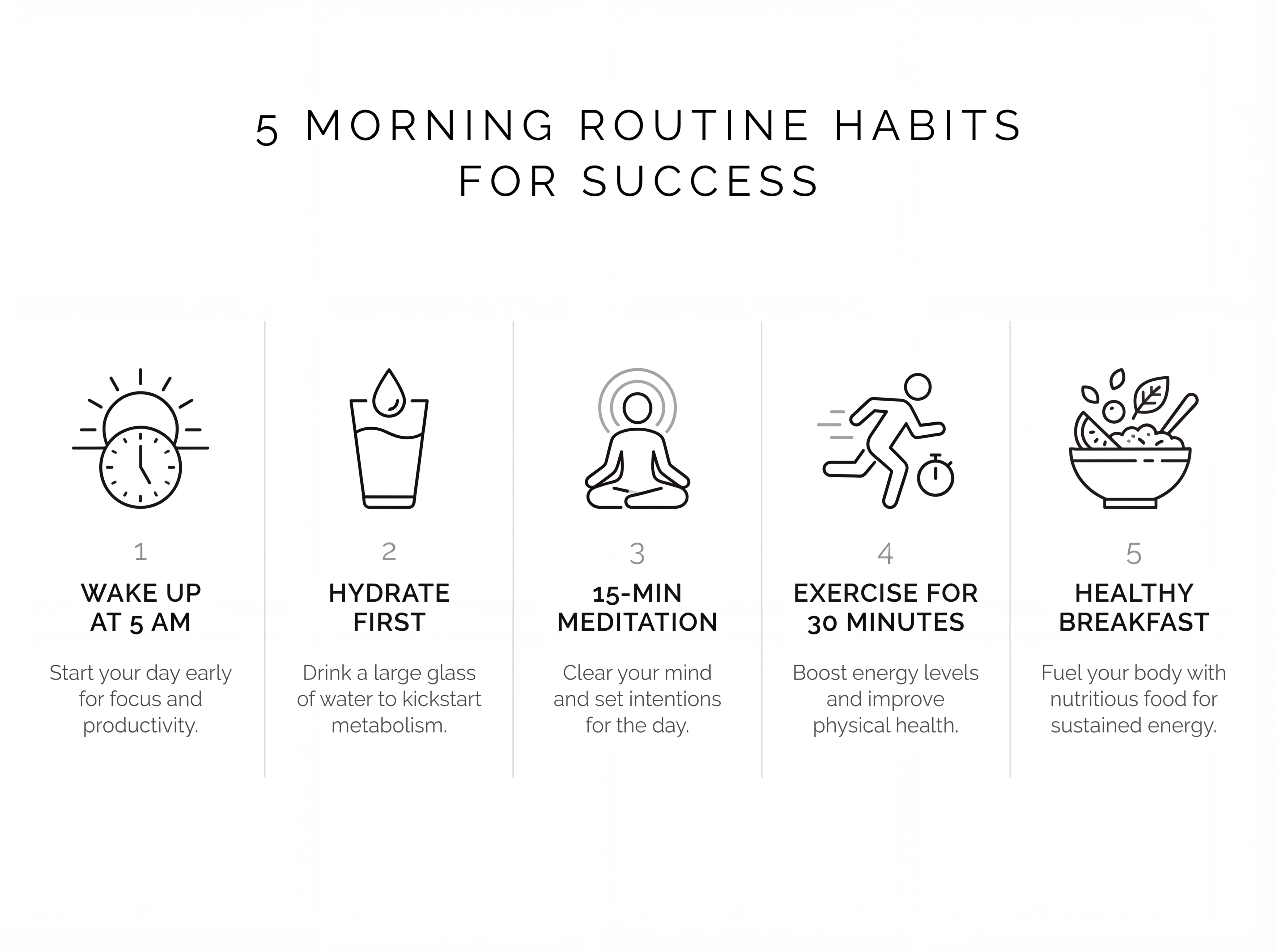
No — you don't need design skills to make a good infographic. The things that actually make one work are simple rules anyone can follow, and AI infographic makers now handle the layout and visuals for you. Your job is to bring a clear, focused message; the tool does the design.
The 4 rules that matter more than design talent
- One idea per infographic. The most common beginner mistake is cramming everything in. If you have five points, that's fine — but keep them short and grouped under one theme.
- A headline with a payoff. Tell the reader what they'll get. "5 ways to save on groceries" beats "Grocery info".
- High contrast, big text. It should be readable at a glance, even as a small thumbnail.
- Consistency. Pick 2–3 colors and stick to them. Repetition is what makes a design look deliberate.
Notice none of these require knowing a design tool. They're editorial decisions.
The shortcut: let AI do the layout
Traditional tools (like Canva) give you a blank template you still have to design. An AI infographic maker flips that: you give it your text, and it generates the whole thing — structure, layout, and visuals.
A simple first-timer workflow
- Write your headline and 3–5 short points in plain text.
- Generate with a clean style (Modern or Minimal are safe starting points).
- If something's off, tell the tool in words — "make the title bigger", "use blue".
- Export and share.
Design skill isn't the barrier anymore. Clear thinking about your one message is — and that's something you already have.