AI Infographic Maker
Best AI Infographic Makers in 2026 (Honest Comparison)
A practical, honest look at the best AI infographic makers — which tools generate infographics from text, which are template-first, and which fits your use case.
Published August 11, 2026
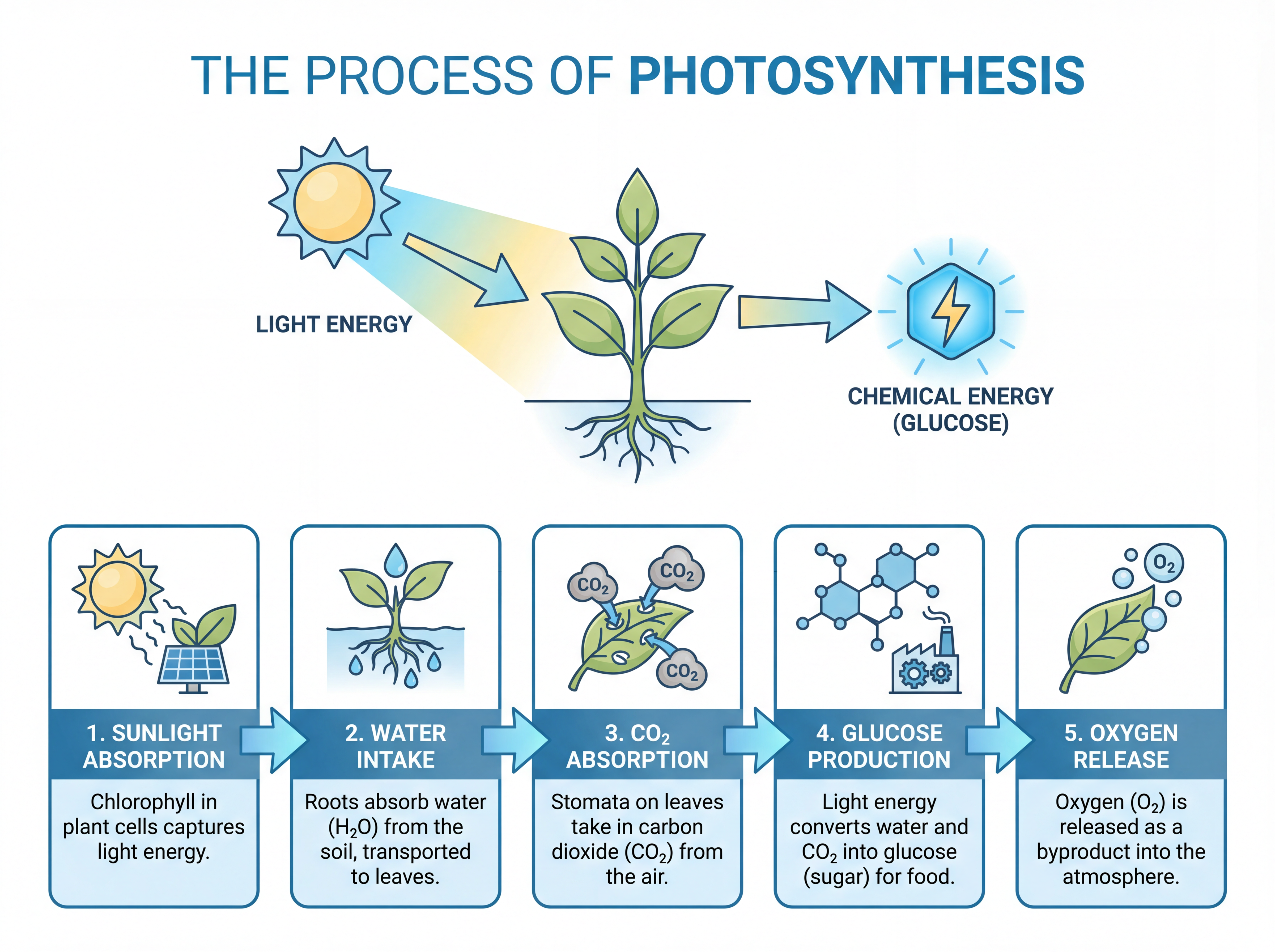
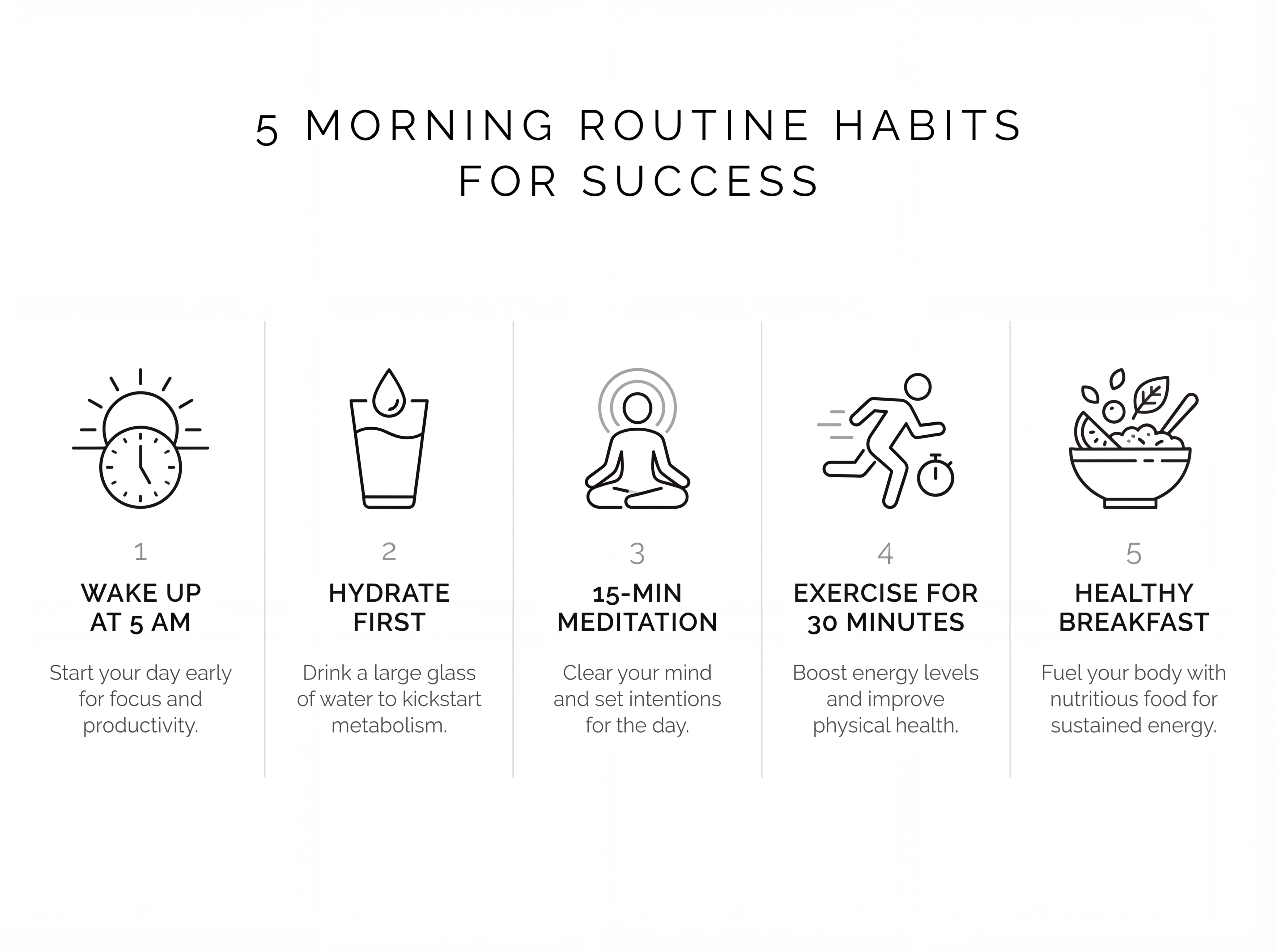
If you just want a finished infographic from text you already have, an AI-first generator will get you there faster than a template editor. If you want to hand-place every element, a template tool gives you more control. This comparison sorts the popular options by that core difference, so you can pick the one that matches how you actually work.
Quick comparison
| Tool | Approach | Best for | Text/PDF → infographic | Pricing model |
|---|---|---|---|---|
| AI Infographic Maker | AI generates the full infographic | Turning text/PDFs into posts fast | Yes — text and PDF input | Pay-as-you-go credits, no subscription |
| Canva | Template editor (+ AI features) | Manual design control | Partial (mostly manual) | Free tier + subscription |
| Piktochart | Template editor | Reports & presentations | Partial | Free tier + subscription |
| Venngage | Template library | Business/data infographics | Partial | Free tier + subscription |
| Visme | Template + brand kit | Branded, interactive content | Partial | Free tier + subscription |
| Infogram | Data-driven charts | Charts & data visualizations | Data-focused | Free tier + subscription |
When a template tool is the better choice
- You want pixel-level control over every element.
- You're building a highly branded asset with a locked design system.
- You already have a design and just need to lay it out precisely.
Canva, Venngage, and Visme shine here — deep editors, huge template libraries, and brand kits.
When an AI infographic maker wins
- You have text or a PDF and want a finished infographic in seconds.
- You don't want to design — you want the tool to structure and lay it out.
- You need to turn one long article into several graphics (e.g. a carousel).
This is the gap AI-first tools fill: you bring the content, the AI does the design work.
How to choose
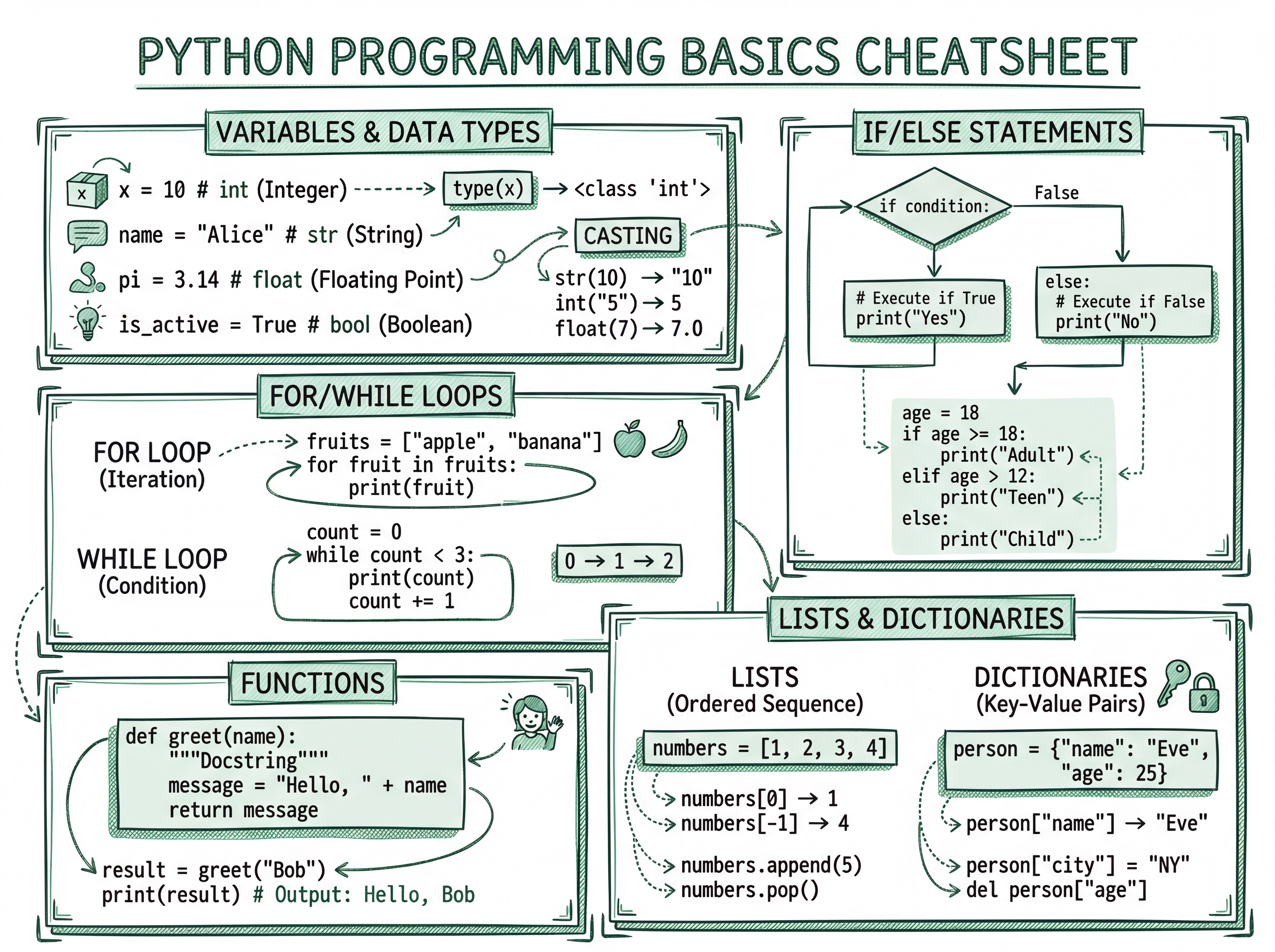
Ask one question: do you want to design, or do you want it designed for you? If you enjoy the editor and want control, pick a template tool. If you'd rather hand over your text and get a finished graphic, an AI infographic maker is the faster path — especially for social posts, study notes, and turning PDFs into visuals.